Skip to content

Convert Your Website to App

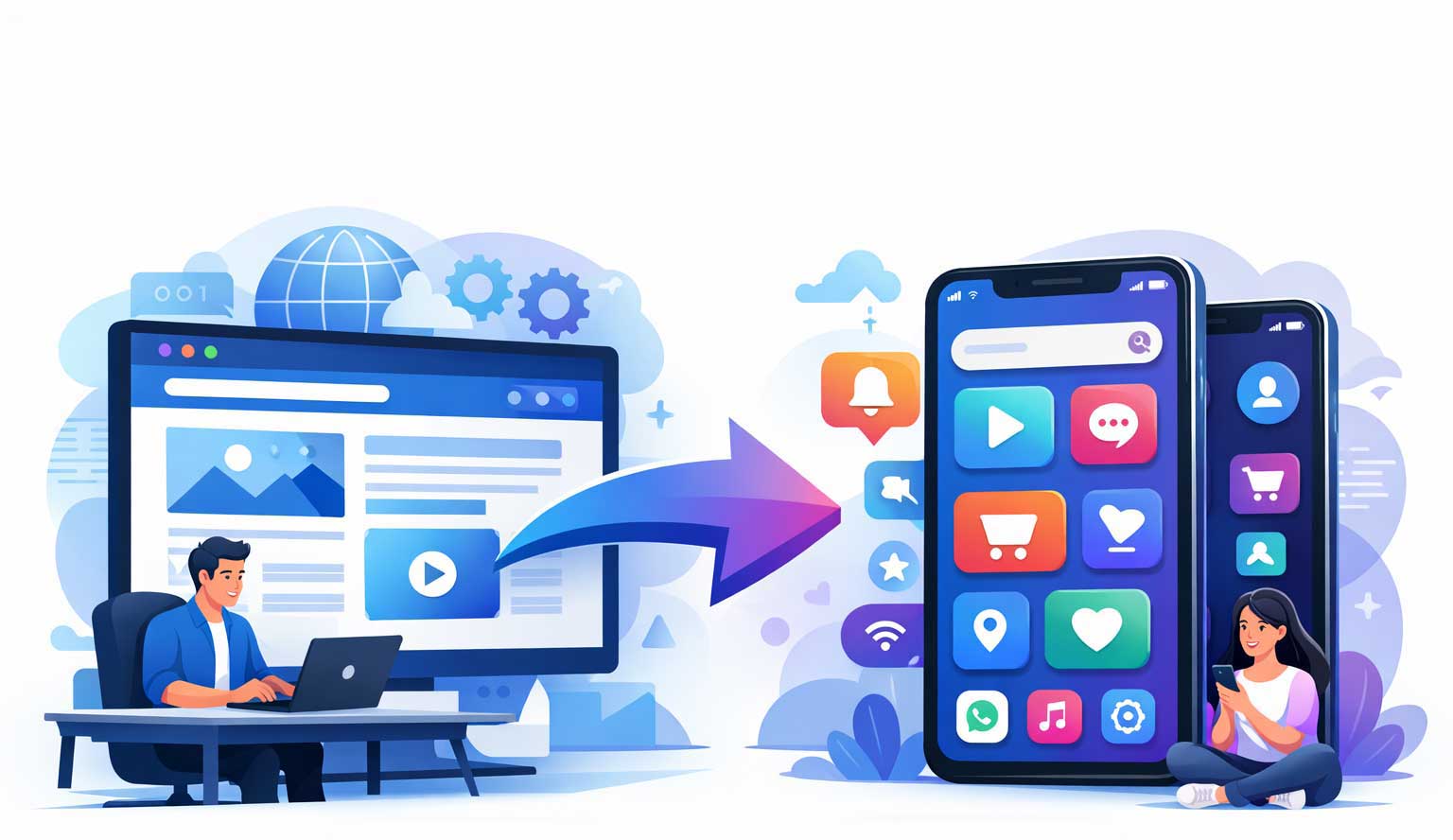
Now you can convert your website to App without coding. Just submit the app details like app name, website url, app icon etc and convert your website to app within few minutes.

Convert Website to App

How to Convert your Website to a App?

Submit Your App Details

For converting your website to app just submit your app details like app name, website link, app icon, splash image etc.

Wait For Few Minutes

After submitting the app details you just need to wait for few minutes to complete the process of website to app conversion.

Your App is Ready

After the completion of process of website to app, you can download the app and install into your phone or upload it to Playstore. Our apps are fully google play compatible.

Pricing

Professional app solutions at straightforward pricing. Everything clearly defined so you can decide with confidence.

Android App (Premium)
$10/app/one time payment

✔ White Labelled
✔ APK + AAB File
✔ Custom Keystore
✔ Play Store Releasable
✔ Lifetime Validity
✔ API Level 35

Push Notification: +$5.5
AdMob Monetization: +$5.5

Features Included in Your Website App

At website to app converter we use our best technology to convert your website to app in just few minutes. Our website to app converter has all the basic and advanced features which are required for an app’s success. Top features which are included in the app are mentioned below :-

Automatic Website Updates

Keep your app always fresh with automatic website updates. Any change on your website instantly reflects in your app, ensuring your users see the latest content without manual updates. Perfect for all types of websites.

Custom Colors

Match your app with your brand identity using custom colours. Personalize every element from headers to buttons, creating a cohesive, professional look. Enhance user experience while keeping your branding consistent.

Google Play Compatible

Our WebView apps are fully Google Play compatible, ensuring smooth approval and compliance with Play Store policies. Reach millions of Android users with an app that meets all requirements effortlessly.

Progress Bar

Keep users informed with a sleek progress bar. Show loading status for web pages, improving engagement and providing a smooth, professional browsing experience. No more blank screens or waiting confusion.

Pull to Refresh

Enable users to refresh your app content easily with pull-to-refresh functionality. A simple swipe keeps the app updated, enhancing interactivity and user satisfaction. Perfect for dynamic apps like blogs and news feeds.

Exit Confirmation

Prevent accidental app exits with exit confirmation prompts. Users receive a clear message before closing, improving app usability and retention. Ideal for apps with long-form content or user interactions.

Custom Splash Screen

Create a strong first impression with a custom splash image and background. Showcase your logo, brand message, or promotions while the app loads, giving your users a professional and branded experience.

Push Notifications

Engage your users instantly with push notifications. Send updates, offers, or alerts directly to their devices, driving user retention and keeping your audience informed at all times.

AdMob Monetization

Monetize your app effortlessly with AdMob integration. Display ads without affecting user experience, maximizing revenue while maintaining a smooth and responsive app interface.

Deep Linking

Drive users to specific app content with deep linking. Enhance navigation, improve engagement, and allow users to jump directly to pages, products, or features within your WebView app

Download and Upload Support

Empower your users to easily download and upload files directly through the app. Perfect for efficient document sharing, media apps, and interactive platforms that require file handling.

Custom Permissions

Control app permissions with precision. Ask only for what your app truly needs, responsibly enhancing user trust, improving privacy compliance, and ensuring seamless, reliable functionality.

Fill Out The Form Below To Convert your Website To App

Apps Converted Here Are Fully Google Play Compatible. After Form Submission you will receive the download link for both .apk and .aab file in your email id. Remember to re-check your email before form submission.

Android App(Premium)


Price: $10.00


Keep it in lowercase, in this format com.yourcompanyname.yourappname only; otherwise, your order may fail, or you may face errors when submitting your app to the Play Store.
Version Code is an numeric number of your app. Like your first app number will be 1 and second will be 2 and so on. Its not visible to customer.
Version Name is a string used as the version number shown to users. You can keep it as you want in format 1.1 or 1.1.1 or 1.2 or any of your choice.


Recommended Size 512px X 512px. In case your app icon or logo dimension exceeds 900px X 900px, you may face difficulties in publishing your app to play console. Max file size 500kb.
Choose the main color for your app. This color will be applied to the top bar and the progress bar (if enabled)
Required for uploading your app to Google Playstore. Select generate new for a new app and use existing in case you need to update your existing app.


Required for uploading your app on Playstore.


The splash screen is the first screen users see when the app starts, shown before the main content loads.
Recommended Size (W)720px X (H)1280px. In case your splash image dimension exceeds 1500px X 1500px, app may crash. Max file size 500kb.
Choose the background color for the splash image. This will appear in areas not covered by the image.


Enabling the pull-to-refresh feature, allowing users to refresh the page by swiping down. Some websites may not support this, so test before submitting a premium app order.
Shows a confirmation dialog when the user tries to exit the app.
Displays a progress bar during page loading for better user experience.


The banner ad will appear at the bottom of the app screen. It may overlay or hide some content displayed at the bottom of the website in the app. Interstitial ads will appear as full-screen ads at regular intervals. These ads may briefly interrupt the user experience.
(In seconds)


Back To Top